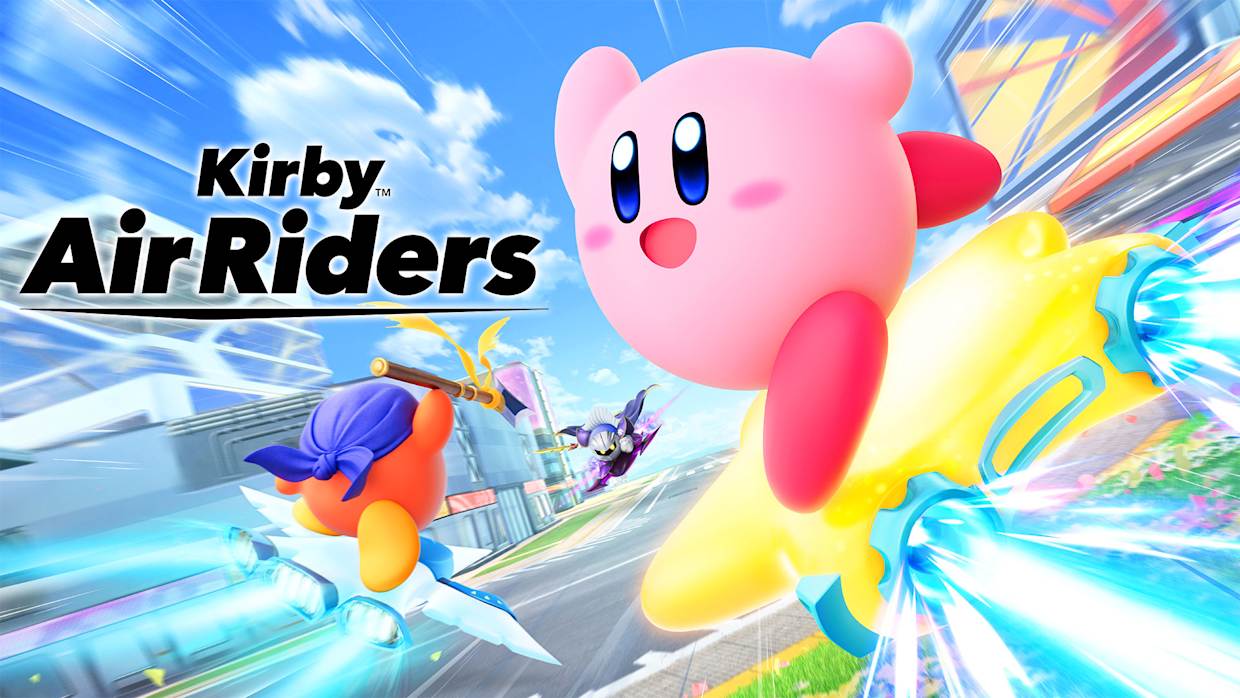
Welcome to Kirby Air Riders!
Kirby Air Riders is the long-awaited successor to the GameCube classic Kirby Air Ride, bringing chaotic racing action to Nintendo Switch 2. Directed by Masahiro Sakurai himself, this game features simplified controls that are easy to learn but challenging to master.
This comprehensive guide is based on official sources including Nintendo Direct presentations, Nintendo Life expert analysis, and extensive hands-on gameplay experience. We’ve compiled 12 essential tips to help you understand core mechanics and start winning races right away.
Last Updated: November 20, 2025 | Author: SilentSalt Gaming Guides Team | Playtime: 30+ hours | Sources: Official Nintendo materials, community testing
Official Gameplay Overview
Before diving into the tips, watch this comprehensive 45-minute overview from Nintendo Direct to see all the game modes in action:
Official Video: Masahiro Sakurai presents Kirby Air Riders - Full 45-minute Nintendo Direct gameplay reveal
Quick Start Checklist
Before diving deep, here’s what you need to know:
- ✅ Vehicles move forward automatically - focus on steering and boosting
- ✅ The B button is your best friend for boosting AND braking
- ✅ All 21 characters can use Copy Abilities
- ✅ Each character has a unique “Special” ability
- ✅ Master the boost mechanics to dominate races
- ✅ Play all modes to unlock content
Understanding the Controls
Unlike traditional racing games, Kirby Air Riders uses simplified one-button controls:
Basic Controls
- Control Stick: Steer your machine
- B Button (Hold): Charge boost/Brake
- B Button (Release): Execute boost
- Y Button: Use special moves/Switch machines
- Wiggle Stick: Quick spin attack
- + Button: View power graphs (City Trial)
The Auto-Move System
Vehicles in Kirby Air Riders move forward automatically without player input. Your job is to:
- Steer around obstacles
- Maintain balance on turns
- Time your boosts strategically
- Use abilities at the right moment
This makes the game accessible for beginners while still offering deep strategic gameplay for advanced players.
12 Essential Tips for Beginners
Want to see these tips in action? This video showcases expert gameplay and advanced techniques:
Advanced gameplay and pro strategies
1. Boosting is at the Heart of Everything
The boost button (B) in Kirby Air Riders isn’t like other boost buttons - it also slows you down until you stop! The flip side is that the longer you hold it down, the bigger and faster the boost you’ll get in return.
Pro Tip: Think strategically about where to boost. Corners are an obvious example - timing it right can see you slow with other riders and then boost out of the apex to take a lead.
2. Follow the Shimmering Trails!
As you approach a rider in front of you, you’ll notice a shimmering trail behind them, which acts as the game’s version of drafting or slipstreaming.
Here, the drafting boost is quite exaggerated, and therefore riding this trail can see you pick up crazy speed as you approach and pass by opponents. Use this to your advantage and factor it into when you decide to use your own boost.
3. Use Your Environment
The tracks in Kirby Air Riders may feel like great big automated rides to the uninitiated, but once you know what you’re doing, you’ll want to wring every last opportunity out of the game’s track designs.
Look out for:
- Jump spots to execute quick spins
- Boost pads for free speed
- Sharp corners where you can charge your boost and let fly down straights
- Auto-Rails that automatically charge your boost
4. Think About What Pickups Are Actually For
If your current vehicle is slow, you’ll want speed pickups. A ride that can’t turn well will require as many boosts to its turning ability as you can grab.
Consider this as you play. Think about your attack and defense stats when facing a boss. Once you relax into it, you’ll be able to build and rebuild your machine’s capabilities on the fly.
5. Switch Lanes on Auto-Rails
Don’t make it easy for your opponent to pick up and ride on your trail. Shift about plenty, even when not avoiding obstacles on these rails, and always make sure to position yourself best for coming off rails.
Why? Auto-Rails charge your boost! When grinding on a rail or any other aspect of a track (such as vines and fences), you’ll get your boost topped up without having to worry about slowing down!
Think about how this can prep you for a fast exit from rails and any corners that are coming up.
6. Master the Power Graphs (City Trial)
Press + during a City Trial and you can take a look at what power-ups you’ve currently got in order to gauge your current levels of attack, offense, and racing skill.
This is crucial for understanding:
- Which stats you need to improve
- What pickups to prioritize
- How prepared you are for the final event
7. You Can Hold Multiple Items at Once
Pick up as many items as you see during events, as they’ll use themselves up automatically for the most part, so you don’t need to wait to pick up more!
This is especially important in City Trial where gathering as many power-ups as possible determines your success in the final challenge.
8. Adjust Camera Zoom
Hold back on the left stick to zoom out the camera. If the default view is too close, you can adjust it to widen the view slightly - or zoom in a bit more if that’s your preference.
Find the camera distance that works best for your playstyle.
9. Fill Your Special Bar
Your special bar fills up in these ways:
- Taking damage
- Doing damage to opponents
- Automatically over time
Important: Make sure to use it within 10 seconds once it’s primed, or you’ll lose it!
Each character has unique special abilities, with Kirby having four different specials depending on the color you choose.
10. Customize Quick Spin Controls
Don’t like wiggling a stick to spin? You can:
- Increase the sensitivity
- Turn on the option to shake your controller instead
Go to settings and find the control scheme that feels most comfortable for you.
11. Don’t Sweat the Chaos, Find Your Own Pace
This advice goes for all modes, but if you can master this in City Trials especially, you’ll soon find yourself quite zen-like, even when faced with the most chaotic of multiplayer match-ups.
There’s always loads going on in races and in City Trials, but:
- Pick your own way of approaching it
- Have a strategy for the track you’re on
- Aim for the pickups that suit your style of play
12. Play All Modes for Unlocks
While it can be natural to just stick to one mode of play, make sure to check out everything this game has to offer. Each mode has tons of collectibles and loads of cosmetics to get your hands on.
Unlockables are spread across all modes:
- Air Ride mode unlocks characters and machines
- City Trial unlocks special items
- Top Ride unlocks courses
- Road Trip unlocks the story and true ending
Game Modes Explained
Air Ride Mode
Classic racing with up to 6 players. Features 18 race tracks, including all 9 tracks from the original Kirby Air Ride, plus 9 brand new courses.
Key Features:
- Standard lap-based racing
- Relay races where you swap vehicles after each lap
- Online and local multiplayer
- Daily rotation courses
City Trial Mode
The ultimate chaotic mode supporting up to 16 players simultaneously. Spend several minutes exploring a large city, collecting power-ups, and then compete in a random final event.
Key Features:
- Random field events that grant power-ups
- Team battles available
- Largest multiplayer capacity (16 players)
- High replayability due to randomness
City Trial in Action:
City Trial mode with 16-player chaos
Top Ride Mode
Top-down racing view supporting up to 8 players. A completely different perspective that requires mastering a new racing style.
Features:
- Overhead camera view
- Unique courses designed for this perspective
- Different strategic considerations
Road Trip Mode
The story mode exclusive to Kirby Air Riders. Play challenges and minigames related to the existing game modes. To become one with their vehicles, the Riders must progress through the story with help from characters from previous Kirby games.
What to Know:
- Choices lead to different paths
- Unlocks additional content
- True ending requires collecting all 20 machines in New Game+
- Features the antagonist Noir Dedede and the machine Gigantes
Understanding Copy Abilities
All 21 characters in Kirby Air Riders can use the series’ signature Copy Abilities. There are 16 different abilities in the game:
- Bomb
- Cutter
- Drill
- Fighter
- Fire
- Flash
- Freeze
- Jet
- Mike
- Missile
- Needle
- Plasma
- Sleep
- Steel Ball
- Sword
- Wheel
Copy Abilities provide tactical advantages in races and battles. Learn when to use each ability based on the situation.
Characters & Abilities Showcase:
Showcase of all 21 characters and their Copy Abilities
Character Special Abilities
Each of the 21 riders has a unique “Special” ability that activates when the Special Gauge is full. Kirby is unique in that he has four different Special abilities depending on which color you select:
- Pink Kirby
- Yellow Kirby
- Blue Kirby
- Green Kirby
Fill your Special Gauge by attacking opponents, taking damage, or waiting for it to charge automatically over time.
Progression and Customization
Miles Currency
Miles are earned by playing the game and can be spent in the shop to unlock:
- Character cosmetics
- Vehicle customizations
- Special effects for your license
My Machines Menu
Vehicles can be fully customized with items purchased with Miles. You can even list your custom machines online for sale in other players’ shops!
This creates a player-driven economy where creative and effective designs can become popular.
Machine Gummies
Collectibles shaped after machines that you earn during general gameplay. They have no monetary value but can be viewed and interacted with in a dedicated menu - essentially trophies showing your progress.
Online Features
The Paddock
A lobby where you can roam around and interact with other online users before matches. Show off your customized character and machine!
Global Win Power
Your performance in online matches determines your Global Win Power - a ranking system displayed on your license. Climb the ranks to prove you’re the best Air Rider!
Daily Air Ride
After a day one update, Daily Air Ride was added, allowing online players to race on a daily rotation of Air Ride courses.
Limited Time Events
Special rules and conditions that rotate regularly, keeping the online experience fresh.
Next Steps
Now that you understand the basics, here’s what to focus on:
- Complete the Tutorial - Make sure you’ve gone through all the lesson courses
- Try Each Mode - Get a feel for Air Ride, City Trial, and Top Ride
- Unlock Characters - Play different modes to unlock all 21 riders
- Experiment with Machines - Each vehicle has different stats and handling
- Practice Boosting - Master the timing for maximum speed
- Go Online - Test your skills against real players
Frequently Asked Questions (FAQ)
How do I boost in Kirby Air Riders?
Hold the B button to charge your boost, then release to execute it. The longer you charge, the stronger the boost. You can also charge boost automatically by riding on Auto-Rails.
What’s the best character for beginners?
Pink Kirby is the most balanced character and perfect for learning. King Dedede is also good for defensive play, while Bandana Dee offers simple offensive abilities.
How many players can play City Trial?
City Trial supports up to 16 players simultaneously, making it the largest multiplayer mode in Kirby Air Riders.
Can I customize my machine?
Yes! Use the “My Machines” menu to customize paint colors, decals, exhaust effects, trail effects, and sound effects. You can even sell your custom designs to other players online.
How do I unlock legendary machines?
Legendary machines (Hydra, Dragoon, Leo) require completing Road Trip mode’s true ending route and defeating special bosses in New Game+.
What are Copy Abilities?
Copy Abilities are special powers that all 21 characters can use. Find them in rainbow boxes during races or inhale enemies as Kirby. There are 16 different abilities with offensive, defensive, and mobility uses.
Common Beginner Mistakes to Avoid
❌ Holding boost constantly - You need to time your boosts strategically
❌ Ignoring the slipstream - Following other racers gives huge speed boosts
❌ Not using Auto-Rails - They charge your boost for free!
❌ Forgetting about items - Multiple items can be held at once
❌ Staying in one mode - Each mode unlocks different content
❌ Letting Special Gauge expire - Use it within 10 seconds or lose it
Conclusion
Kirby Air Riders rewards both casual play and competitive mastery. The simplified controls mean anyone can pick it up, but the depth of strategy means you’ll always be improving.
Focus on mastering the boost mechanics, learning the tracks, and understanding each mode’s unique features. Most importantly, have fun and don’t be afraid to experiment with different characters and machines!
Next Steps to Master Kirby Air Riders:
- Complete Character Unlock Guide - Learn how to unlock all 21 riders and master each character’s unique Special ability
- All Machines & Stats Guide - Discover the best vehicles for each track and game mode
- City Trial Strategies - Dominate 16-player chaos with expert tactics
- Copy Abilities Reference - Master all 16 abilities and when to use them
Happy racing! 🎮✨
Related Guides

All Characters Guide - Unlock All 21 Riders in Kirby Air Riders
Complete guide to unlocking all 21 playable characters in Kirby Air Riders. Learn each rider's unique Special ability, how to unlock them, and which characters are best for different game modes.

City Trial Complete Guide - Master 16-Player Chaos in Kirby Air Riders
Master City Trial mode in Kirby Air Riders with strategies for power-up collection, event survival, final competitions, and 16-player multiplayer chaos. Learn the best characters, machines, and tactics.
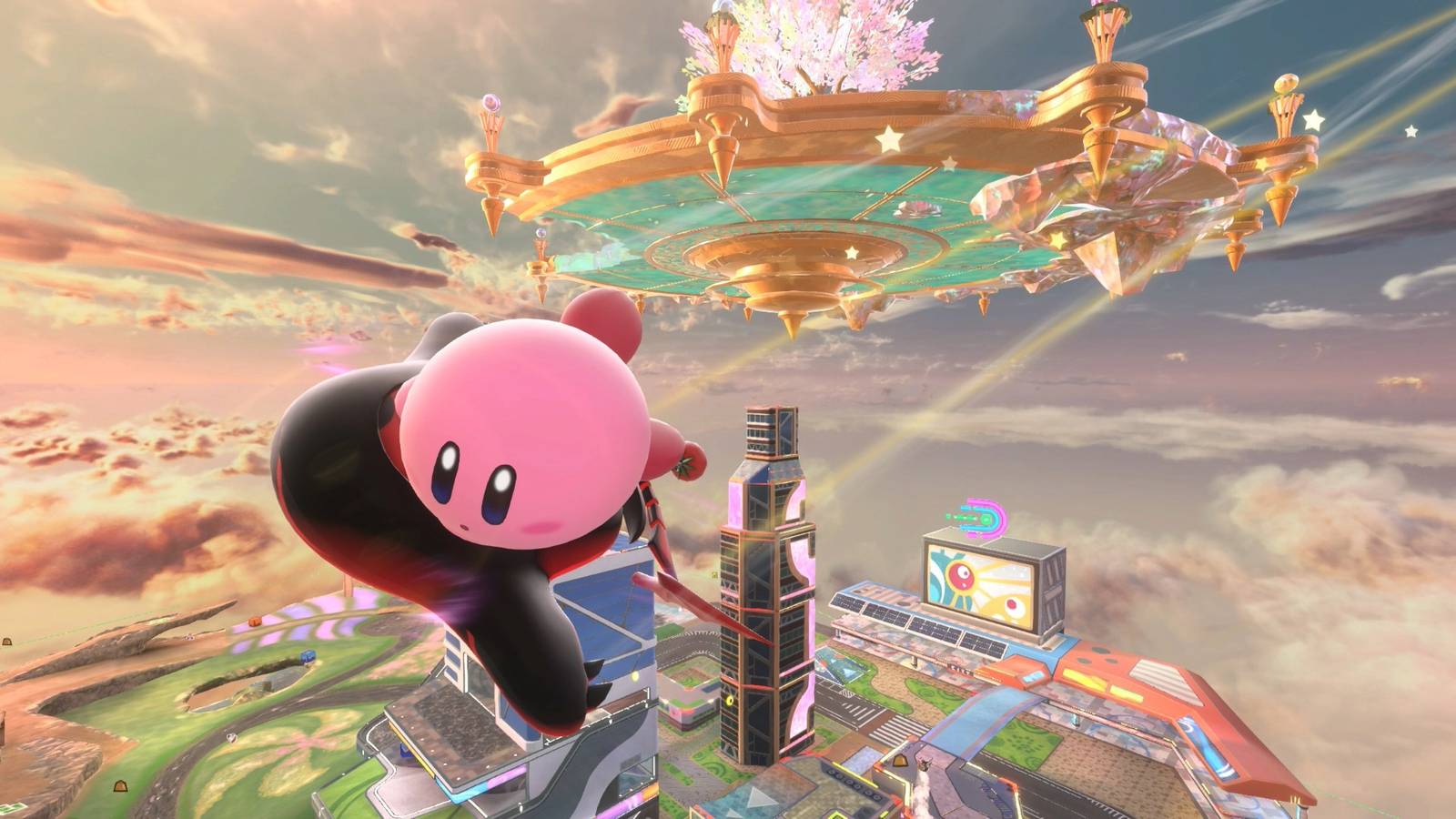
Tips & Tricks - Pro Strategies for Kirby Air Riders
Expert tips and advanced tricks for Kirby Air Riders. Master boosting techniques, discover hidden shortcuts, learn advanced strategies, and dominate online multiplayer with these pro-level tactics.